Connect your mailbox
Run Core on your server and connect a TLS IMAP mailbox using an app password or supported credentials.
 Mailwake
A little attention for every important folder
Let your rules organize your mail. Let Mailwake watch for what matters. Client messages, bills, and verification codes can reach you even after they leave your inbox.
Self-host Core. Read and reply in the mail app you love.
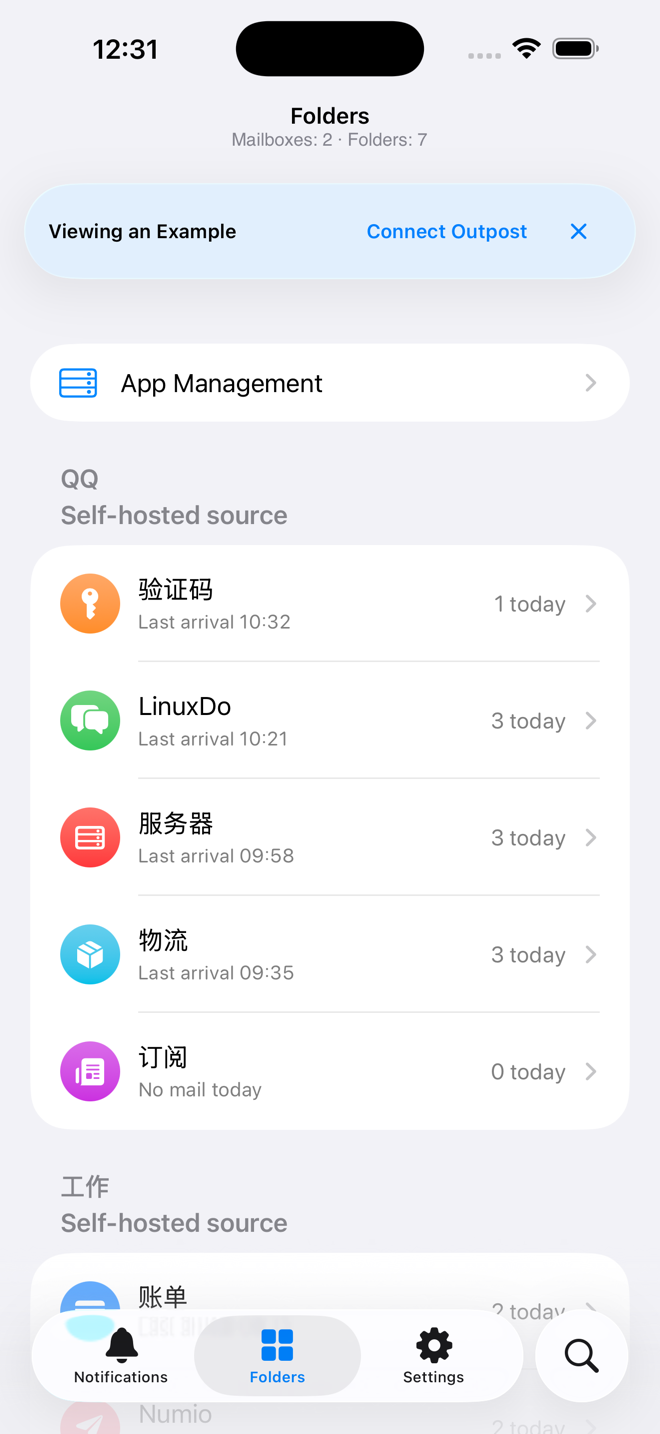
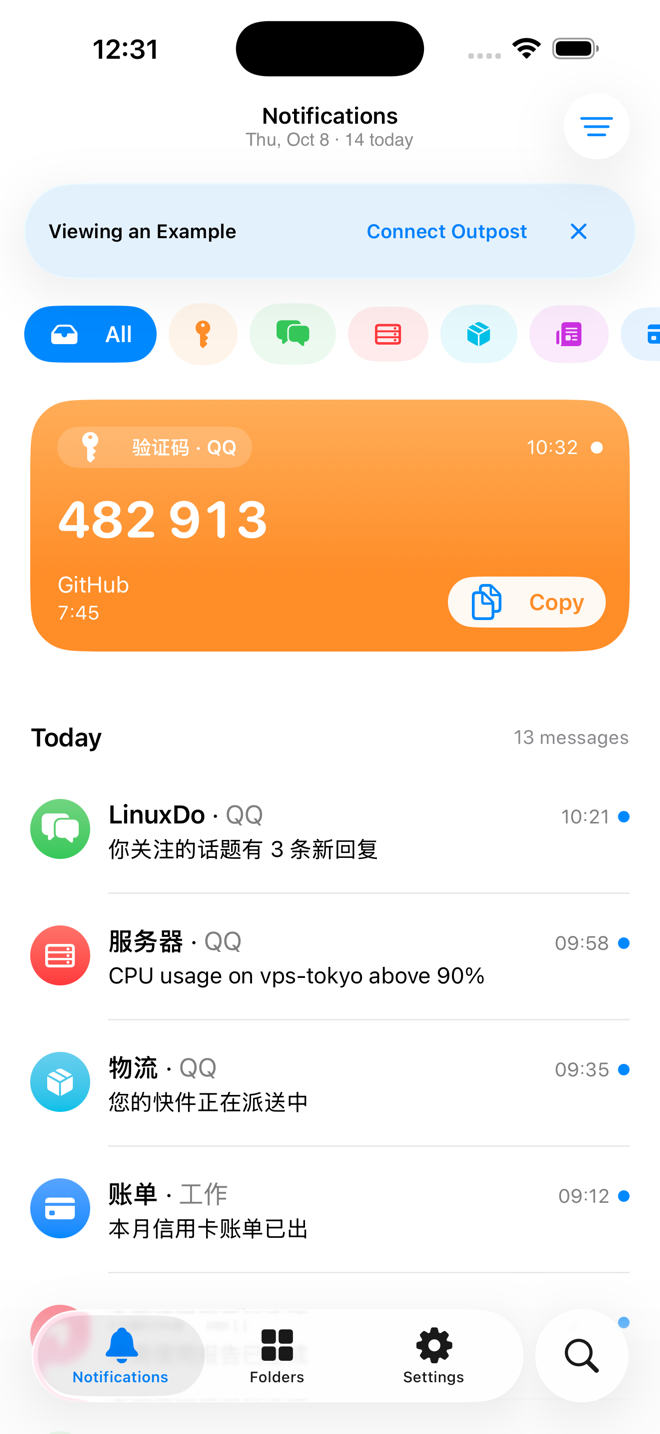
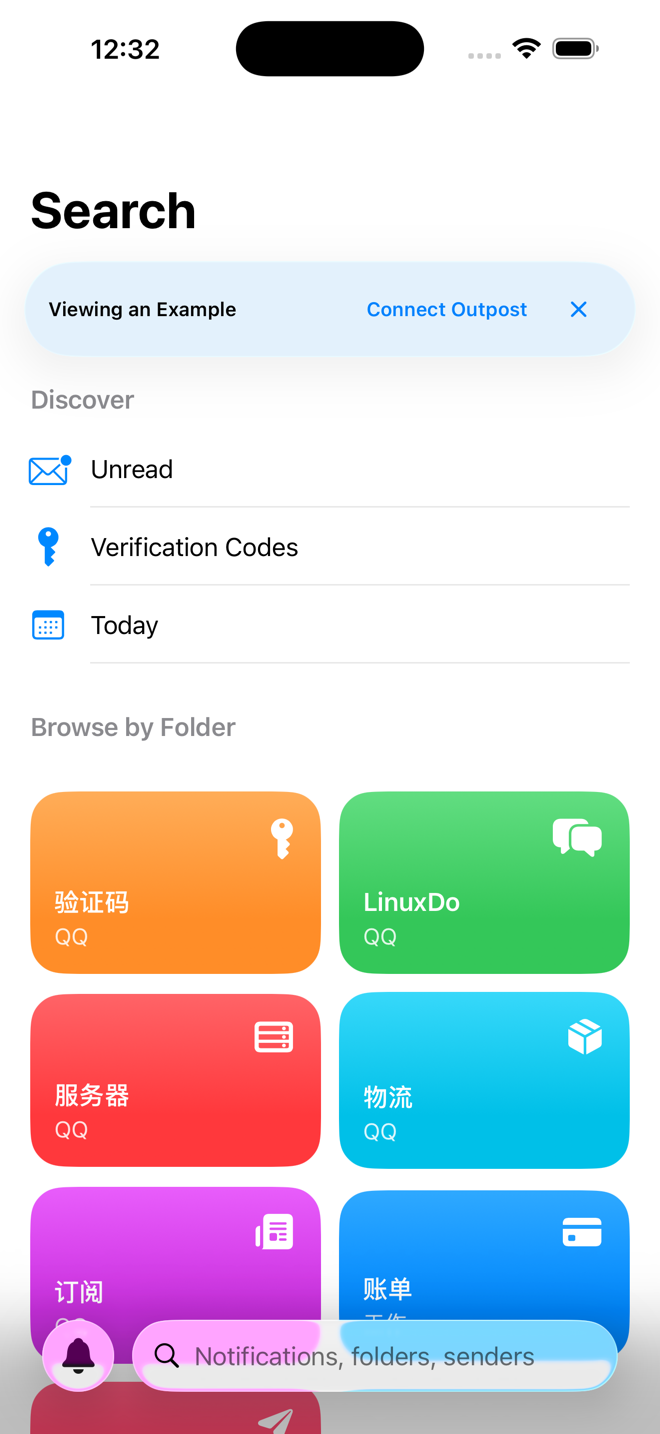
Run Core on your server and connect a TLS IMAP mailbox using an app password or supported credentials.
Choose alerts for clients, bills, and accounts. Let everything else file away quietly.
Use Bark, Pushover, or a webhook for free. Choose Pro for native iPhone notifications.
Made for the way you already use email
When a rule moves mail to Clients or Finance, its notification should follow. Pick the folders to watch and Mailwake will look for new messages there.
Your rules, your folders, your familiar mail app.
Core runs on your server, where your mailbox credentials stay. Pro native notifications are encrypted for your paired device before leaving Core. The relay forwards ciphertext.
Learn about Core setupEnd-to-end encrypted native notifications
Choose what works for you
Both options run on your own self-hosted Core.
Bring notifications to the folders you care about.
Keep important messages close in the native app.
See the App Store for Pro pricing, billing periods, and trial eligibility. Supporter is a separate one-time contribution; feature access follows your Free or Pro plan.
Read-only content requires permission from your Core owner and an HTTPS connection. Live Activities show codes for up to ten minutes; tap to open Mailwake and copy.
Start with your own Core
Deploy Core, connect your mailbox and folders, then choose a Free notification channel or pair your iPhone for Pro.
Downloads open when the app is on the App Store.
Your server. Your mailbox.
Prepare an always-on server and a TLS IMAP mailbox. Your iPhone needs trusted HTTPS access to Core for app management and message content.
Run Core with Docker Compose and persistent storage. Open the web console, enter the setup code from the logs, and create an administrator password of at least 12 characters.
Enter your IMAP server and mailbox app password, then select the folders to monitor. Free works with Bark, Pushover, or Webhook.
Create an invitation in Core and scan it with Mailwake. Pro adds app management and native push. Read-only message content requires separate approval from the Core owner.
Core is open source under AGPL-3.0-only. Read the full deployment guide or browse the source on GitHub.
Help shape what comes next
Let Mailwake run your mail monitoring, with no server to deploy or maintain. Managed hosting would be priced separately. We’re exploring demand.
No email or sign-in. We store a random browser ID, your choice, page language, and timestamps. Voting again in this browser updates your choice. Another browser or cleared data counts as a new vote. This is demand research. Read our privacy policy.